Services - Firewall
CONFIGURE > FIREWALL > Services
Managing Firewall Services
Click CONFIGURE > FIREWALL > Services. This opens the SERVICES page with a long list of predefined firewall services.
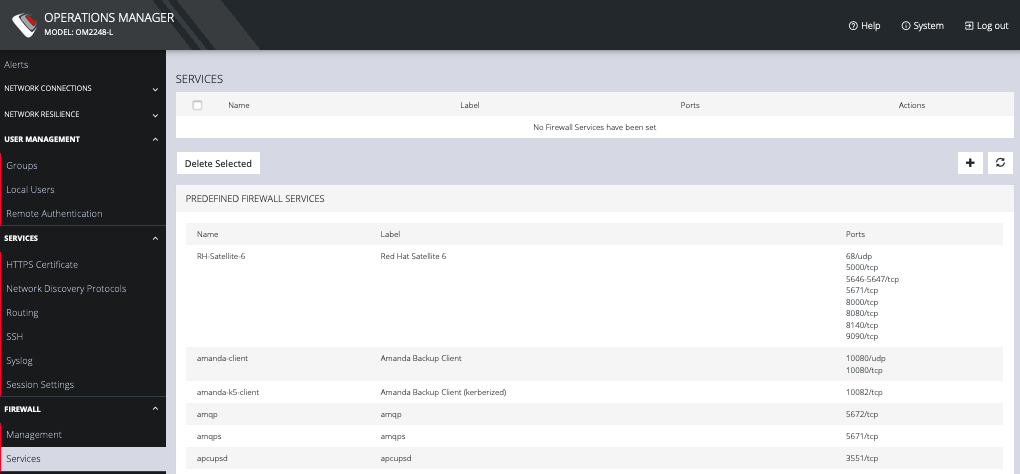
Services can be added, deleted, or edited from this page.
Note: Predefined services cannot be edited.
Click the Plus button to add a new service.
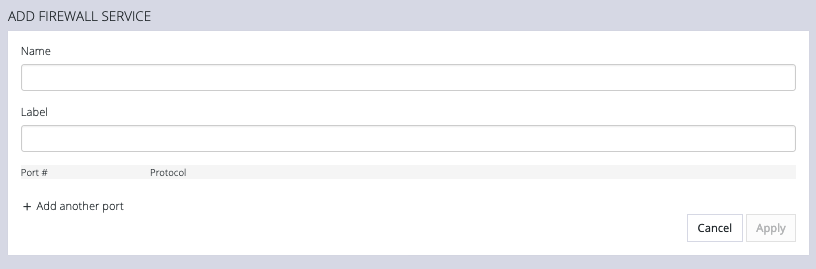
Enter a Name, Label, Port #, and Protocol. Select a Protocol (TCP or UDP) from the Plus button menu. Add more Ports and Protocols as desired and click Apply.